
Congratulations!
Your HubSpot SMS Integration is Live!
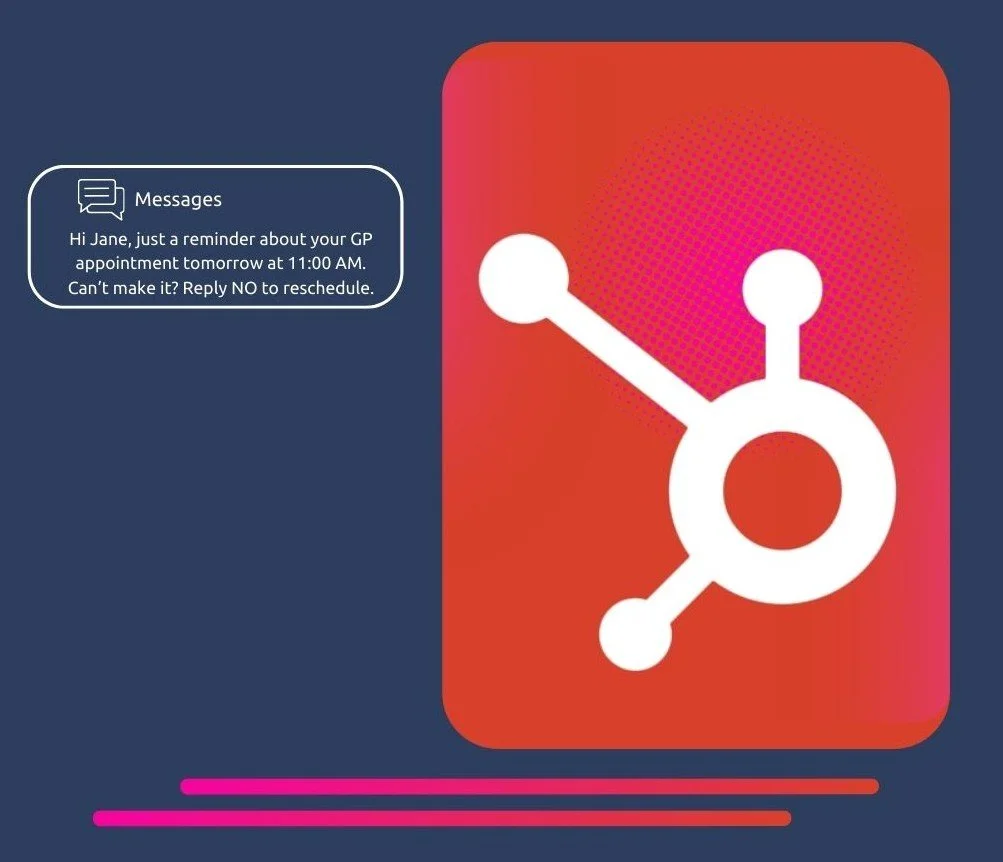
Start sending SMS from your CRM in minutes.
Quick Start Guides

Send SMS to your HubSpot Segments
Send targeted SMS campaigns to the exact contacts you’ve segmented in HubSpot. No exports, no switching tools.

Send 1:1 SMS Messages
Message any person in HubSpot directly from their contact record for fast follow-ups and personalised conversations.

Automate SMS with Workflows
Trigger SMS based on lifecycle stage, deal status, form submissions, and other CRM events, giving you full control over automated messaging.
Quick Campaign Ideas to Get Started
🚀 Lead Follow-Up (Speed-to-Lead Boost)
Trigger: 5 minutes after a form submission
Why: Reach prospects while intent is highest
Send an automated SMS when a new lead fills out a form to increase response rates and book meetings faster.
Example:
“Hi {{firstname}}, thanks for your enquiry — would you like to book a quick call today?”
🔁 Reactivation Campaign (Win Back Dormant Contacts)
Trigger: No engagement in 90+ days
Why: Unlock revenue from your existing database
Target inactive contacts with a simple, direct message to re-open the conversation.
Example:
“Hi {{firstname}}, we haven’t connected in a while — are you still interested in [service]?”
📅 Appointment Reminders (Reduce No-Shows)
Trigger: 24 hours before meeting
Why: Improve attendance and reduce lost time
Automatically send SMS reminders to confirm appointments and reduce missed bookings.
Example:
“Reminder: Your appointment is tomorrow at 2pm. Reply YES to confirm.”
💳 Payment or Invoice Reminders (Accelerate Cash Flow)
Trigger: Before or after due date
Why: Faster payments, fewer manual follow-ups
Automate payment reminders to customers directly from deal or invoice status in HubSpot.
Example:
“Hi {{firstname}}, just a reminder your invoice is due tomorrow. Let us know if you need anything.”
Ready to Send Your First SMS?
Click below to open HubSpot and launch your first message.